
QPower
QPower is QCell’s innovation in partnership with NAWEC that enables QCell customers to purchase NAWEC Cash Power using their QCell lines in two easy steps – Register and Purchase.
Internet Broadband
As the first to launch 4G+ mobile network in The Gambia, QCell continues with its commitment to provide the fastest and most affordable Internet service to customers across the country.
Data Bundles
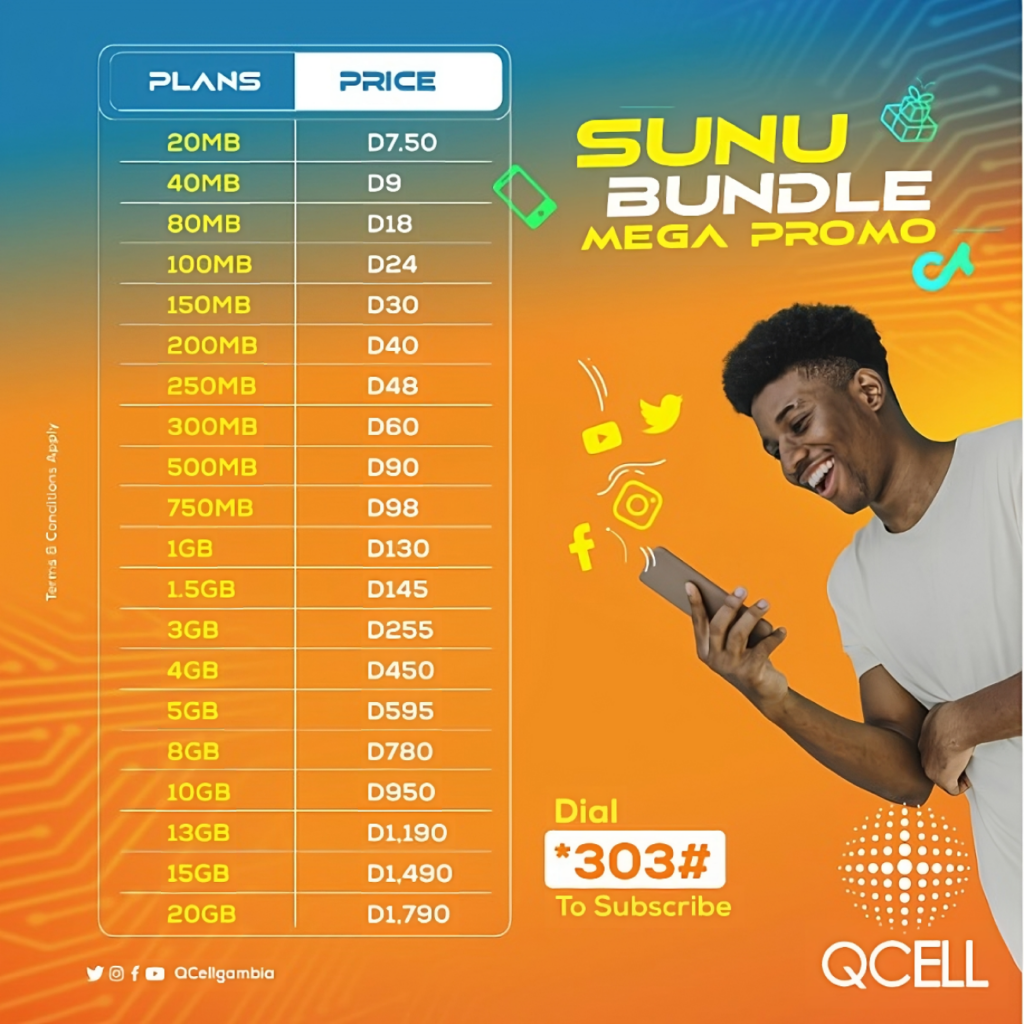
QCell’s data bundle service also known as ‘Sunu Bundle’ offers affordable internet plans. . With our Sunu Bundle service, you can buy data bundle packages for yourself and for others.
What's New
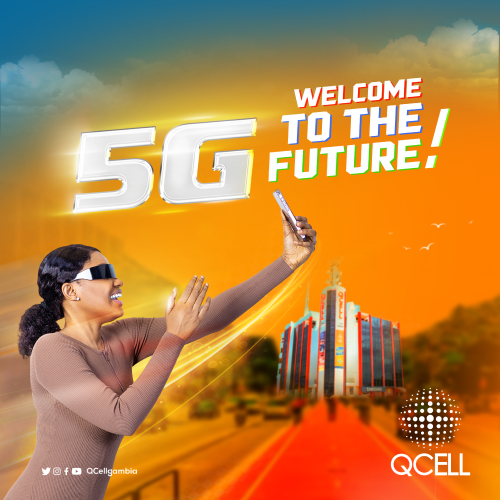
WHAT DO YOU NEED TO USE QCELL 5G?
You need to have a 5G enabled device and an activated 5G sim card, to have 5G service on your sim card. Please visit the nearest QCELL Customer Care Office to request for 5G activation and sign the User Acceptance Form for 5G.
DO I NEED TO CHANGE MY SIM CARD TO USE 5G?
No, you do not need to change your sim card. However, you will need to activate 5G on your sim card because 5G is not activated by default. Please visit the nearest QCell Customer Care Office to request for 5G activation and sign the user acceptance form for 5G.
this may interrest you
What 5G Services are QCell Offering?
QCell is offering 5G Fixed Services for institutions and homes using CPEs or Mifi devices. Please visit the nearest QCell Customer Care Office to apply for this service. Your location will need to surveyed to confirm coverage.
QCell is also offering 5G Mobile services on your normal voice sim card but the service is not activated by default. You will need to request for 5G activation and sign the User Acceptance Form at any QCell Customer Care Outlet.
Where can I use QCell 5G?
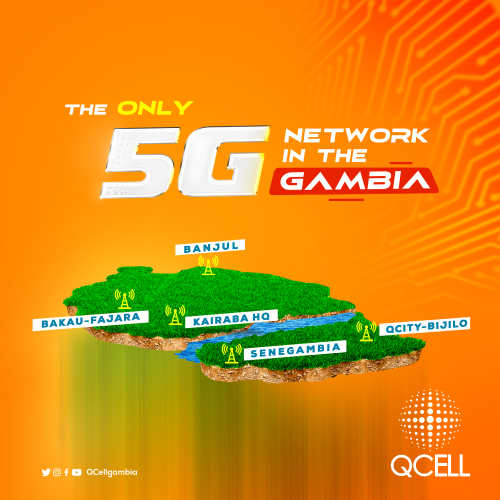
You can enjoy QCell 5G only around select locations for now; Banjul, Kairaba Avenue, Bakau-Fajara, Senegambia and Brusubi Turntable. If you move your device from these locations, your connection will drop to the next highest available service (4G LTE).
CHECK IT OUT!
CAN ALL 5G DEVICES CONNECT TO QCELL 5G?
Most vendor devices have locked their devices by default and open them by country, as operators roll out 5G. QCell has been working with many vendors to open up Gambia and so far vendors such as Apple, Huawei, Techno have been confirmed to support the QCell 5G network. To confirm if your device has 5G unlocked for Gambia region, kindly call 111 or visit the nearest QCell Customer Care Office.
you may also be asking!
WHY ARE MY MB'S GOING SO FAST WITH MY QCELL 5G?
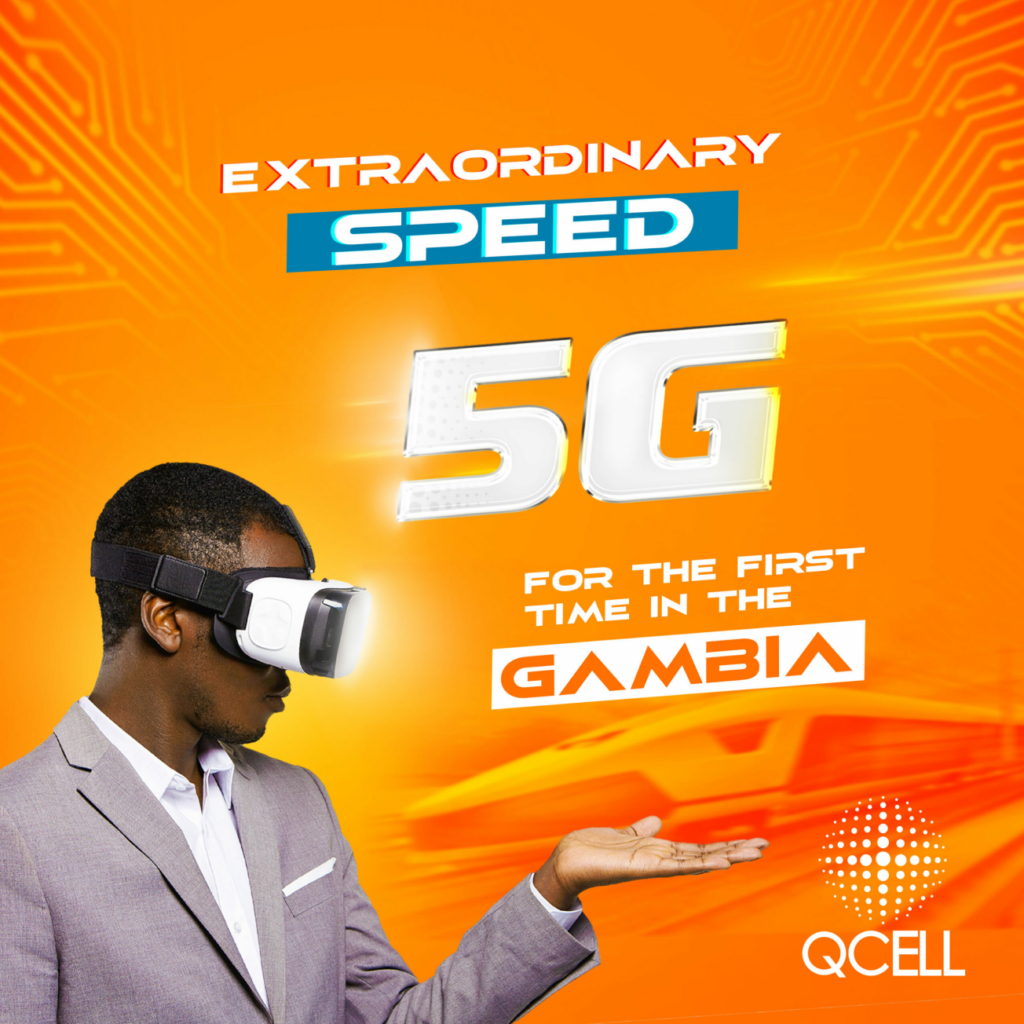
With 5G, your download speeds increase up to 100 times more than 4G so this will result in your packages finishing in a much shorter time frame. Eg 1GB can be downloaded in as little as 8 secs so that means if you have a 5GB bundle, you can exhaust it in under 1 minute!
Also, most applications such as You tube will automatically detect the speed of your connection and therefore give you a HD (high definition) version of the video you are watching, and this will result in more data consumption than for another person watching the same video on a 3G connection.
About Us
We Provide The Best Broadband & ISP
QCell was the first telecoms company in the Gambia to provide 3G mobile internet service as well as enhanced voice and SMS services.
- 4G+ mobile internet
- 4G Wimax Internet
- State of the Art VPN services
- Enhanced voice and SMS services
- Speed Up to 100 Mbps
Why Choose Us
We’re Connecting You To Everything That Matters
QCell is the nation’s leading ISP providing Broadband Internet Services throughout the country via our WiMax Fixed Wireless solution. We also provide state of the art VPN services to a variety of clients including Government Ministries, NGO’s, Corporate Institutions, Diplomatic Missions and many more.
Fast Connection
QCell continues with its commitment to provide the fastest and most affordable Internet service to customers across the country.
QPower
QCell is giving you the power to purchase Cash Power at your own time
QRoaming
Travel around the world with your QCell Mobile line. Connect with business associates, friends and loved ones with your QCell line from abroad.
Close User Group (CUG)
CUG provides effective communication among employees of the same organisation or institution.
Customer Support
Our dedicated call center representatives are available on 111 from a QCell line or +220 333 3222 if calling from outside the country.
Devices
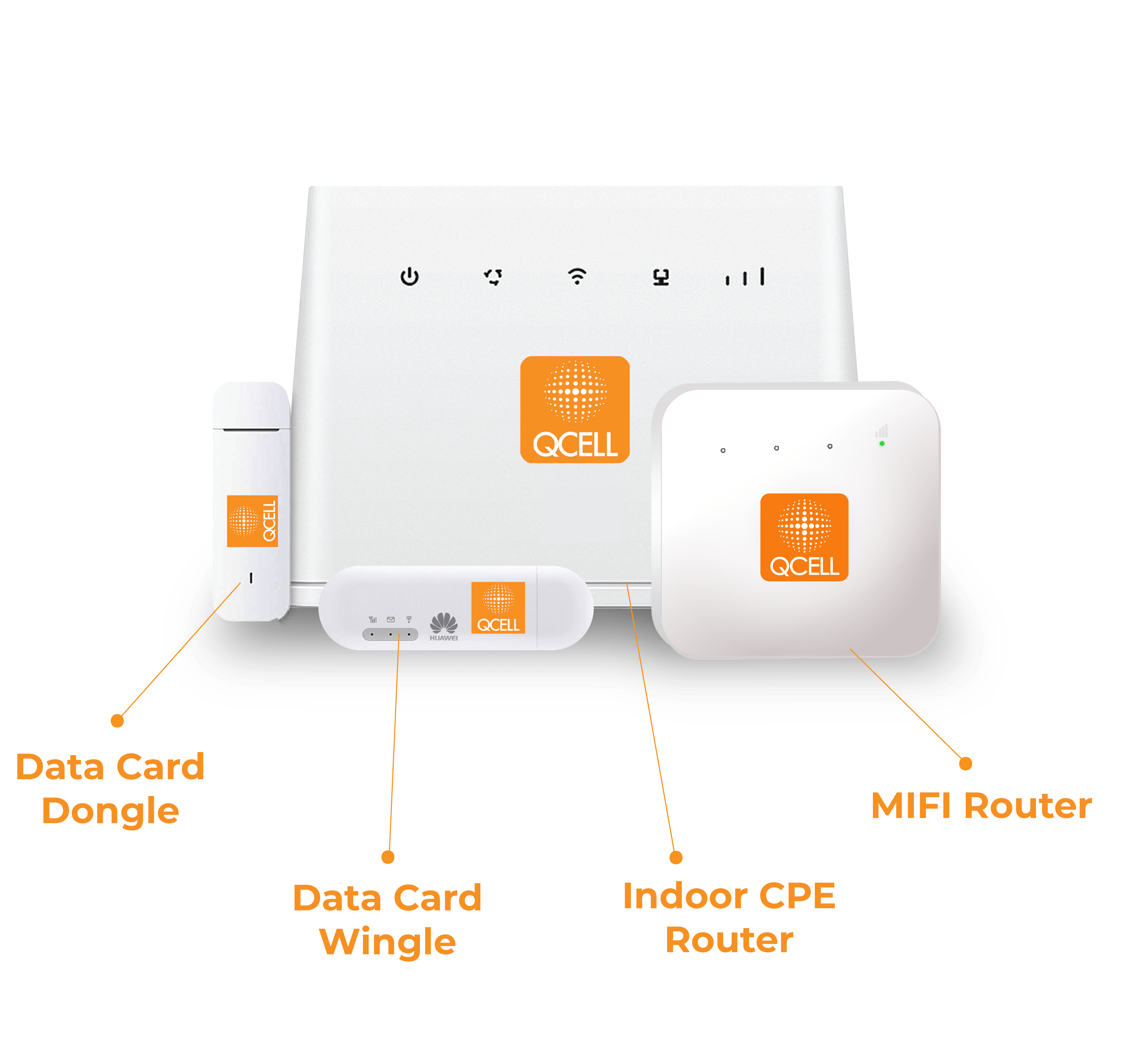
QCell offers the latest technology in 4G Mifi routers and Wifi dongles, for your personal and corporate use – available at all our Customer Care centres.
Explore Our Services
Promotion
QCell offers promotion on Data Deduction, Free Night Browsing, Wah Beh Tass & Happy Time
Internet
QCell continues with its commitment to provide the fastest and most affordable Internet service to customers across the country.
Mobile
Throughout the Gambia, QCell offers the cheapest local and international call rates, SMS and internet tariff
Buy Cash Power With Your QCell Line Through "QPOWER" Purchase & Register
QCell is giving you the power to purchase Cash Power at your own time, available to you 24hrs a day, 7days a week. This eliminates the constraints of waiting in long queues. You can use your own airtime (credit) to buy cash power anytime.